

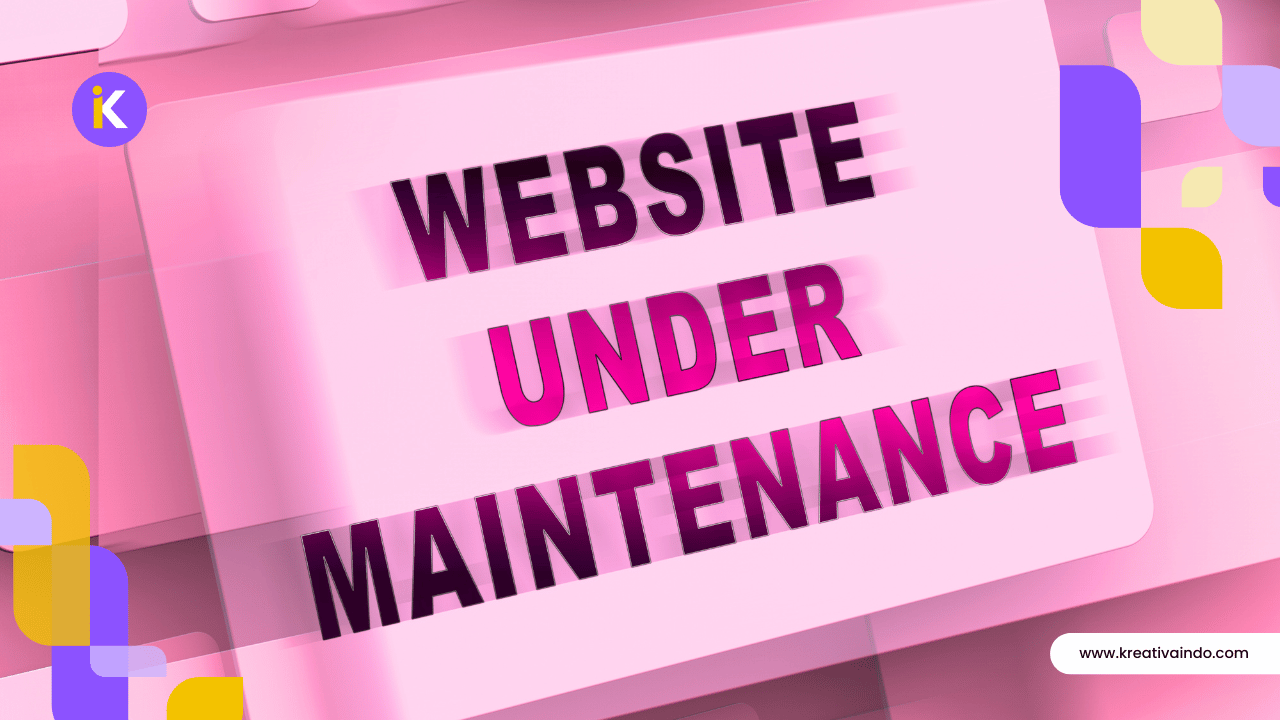
Launching a website is only the beginning of your online journey. To keep your website secure, fast, and effective, regular maintenance is essential.
Many small business owners assume that once a website is live, there’s nothing more to do unless something breaks. In reality, websites require ongoing attention to maintain security, improve performance, and provide a positive experience for visitors.
Ignoring routine maintenance can lead to slow loading times, broken links, outdated information, security vulnerabilities, and even lost business opportunities.
Fortunately, maintaining a website doesn’t have to be complicated. By following a simple checklist, you can prevent many common problems before they affect your visitors or search rankings.
This guide outlines the essential website maintenance tasks every small business should perform throughout the year.
Quick Summary
Here’s what this checklist covers:
- Keep WordPress, themes, and plugins updated.
- Back up your website regularly.
- Check for broken links.
- Review website speed.
- Update business information.
- Monitor website security.
- Test contact forms.
- Refresh content and internal links.
- Review SEO performance.
Keep WordPress, Themes, and Plugins Updated
Software updates are one of the most important parts of website maintenance.
WordPress developers regularly release updates that improve security, fix bugs, and introduce performance enhancements. The same applies to themes and plugins.
Running outdated software increases the risk of compatibility issues and security vulnerabilities.
Before installing updates:
- Create a complete website backup.
- Test updates on a staging site if possible.
- Remove unused plugins and themes.
- Update regularly instead of waiting several months.
Consistent updates help keep your website stable and secure.
Back Up Your Website Regularly
Imagine spending years building your website only to lose everything because of a hosting issue or malware attack.
Regular backups provide peace of mind.
A good backup should include:
- Website files
- Images and media
- Database
- Themes
- Plugins
Depending on how often your website changes, backups can be scheduled daily, weekly, or monthly.
Having a recent backup means you can restore your website quickly if something unexpected happens.
Review Website Speed
Website performance naturally changes as new content, plugins, and images are added.
Slow websites create a poor first impression and can reduce both search visibility and conversions.
Review your website regularly by checking:
- Page loading speed
- Image optimization
- Core Web Vitals
- Mobile performance
- Overall responsiveness
If performance starts to decline, investigate the cause before it impacts your visitors.
To learn more, read Why Website Speed Matters for Small Businesses in 2026.
Check for Broken Links
Broken links create frustration and reduce trust. They can also make your website appear neglected.
Review your website periodically to ensure:
- Internal links still work.
- External resources remain available.
- Navigation links point to the correct pages.
- Buttons lead visitors to the intended destination.
Fixing broken links improves both user experience and SEO.
Keep Business Information Up to Date
Businesses naturally evolve over time. Whenever something changes, update your website promptly.
Review details such as:
- Phone numbers
- Email addresses
- Office location
- Business hours
- Services
- Pricing
- Team information
Visitors expect accurate information, and outdated details may discourage them from contacting your business.
Test Contact Forms
Your contact form may look fine while silently failing to deliver messages. That’s why it’s important to test every form regularly.
Check that:
- Messages are successfully delivered.
- Confirmation messages appear correctly.
- Required fields work properly.
- Mobile users can submit forms without issues.
A broken contact form could mean losing valuable business inquiries without realizing it.
Refresh Existing Content
Website maintenance isn’t only about technical updates. Content should also be reviewed regularly.
Ask yourself:
- Is this information still accurate?
- Can this article be improved?
- Are examples still relevant?
- Can new internal links be added?
- Are there opportunities to improve readability?
Refreshing existing content often produces better SEO results than leaving old articles untouched.
You may also enjoy How Often Should You Update Your Business Website?
Monitor SEO Performance
Maintenance should include reviewing how your website performs in search engines.
Monitor:
- Organic traffic
- Search impressions
- Click-through rate
- Keyword rankings
- Indexed pages
- Crawl errors
Google Search Console and Google Analytics can help identify pages that deserve additional attention.
Instead of guessing what needs improvement, use real data to guide your decisions.
Review Website Security
Cyber threats continue to evolve, making security an ongoing responsibility.
Simple security practices include:
- Using strong passwords
- Enabling two-factor authentication
- Keeping software updated
- Installing trusted security plugins
- Removing unused administrator accounts
- Monitoring suspicious login attempts
These steps reduce the likelihood of security issues that could disrupt your business.
Key Takeaways
Website maintenance doesn’t have to be overwhelming.
Focus on these essential tasks:
- Update WordPress regularly.
- Back up your website.
- Improve website speed.
- Check broken links.
- Keep business information current.
- Test contact forms.
- Refresh existing content.
- Monitor SEO performance.
- Strengthen website security.
Following this checklist consistently will help your website remain reliable, secure, and effective.
Conclusion
Your website is one of your most valuable business assets, but like any asset, it requires regular care.
Routine maintenance helps prevent technical issues, protects your website from security risks, improves user experience, and supports better search engine performance.
Rather than waiting until something goes wrong, create a maintenance schedule that fits your business. Small, consistent improvements will help your website continue generating leads and supporting your business for years to come.